What to do with old camcorder tapes before they fail
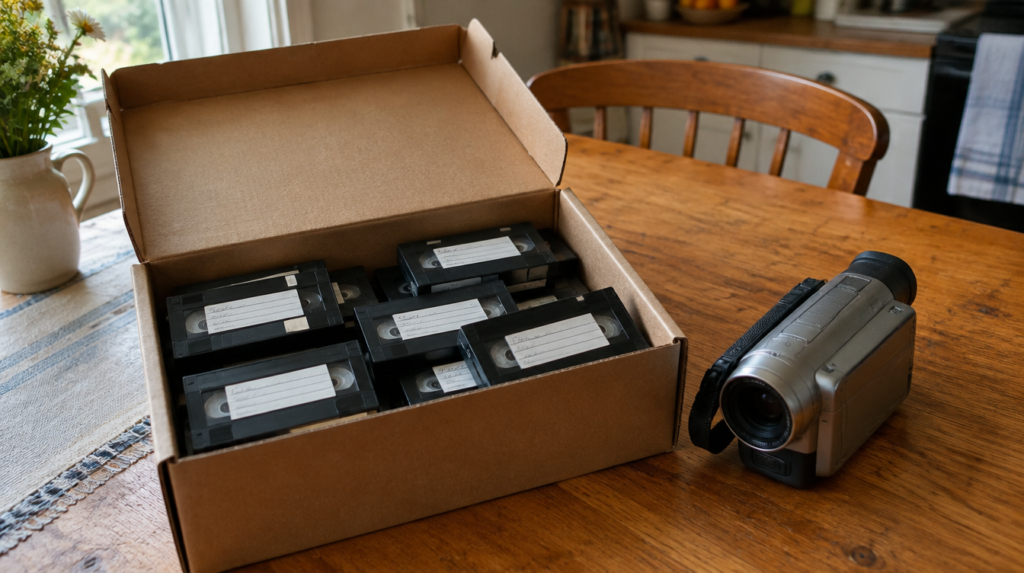
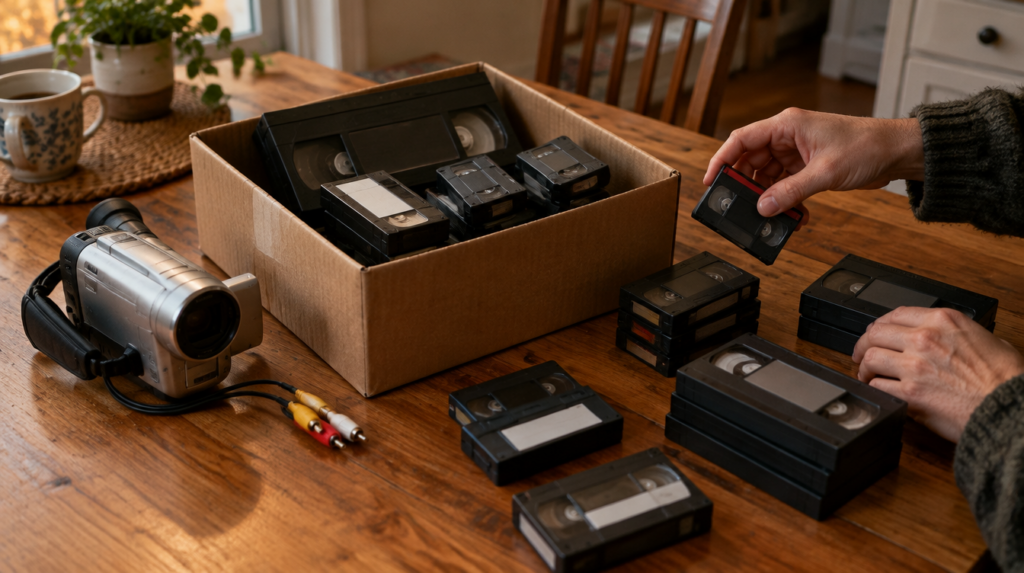
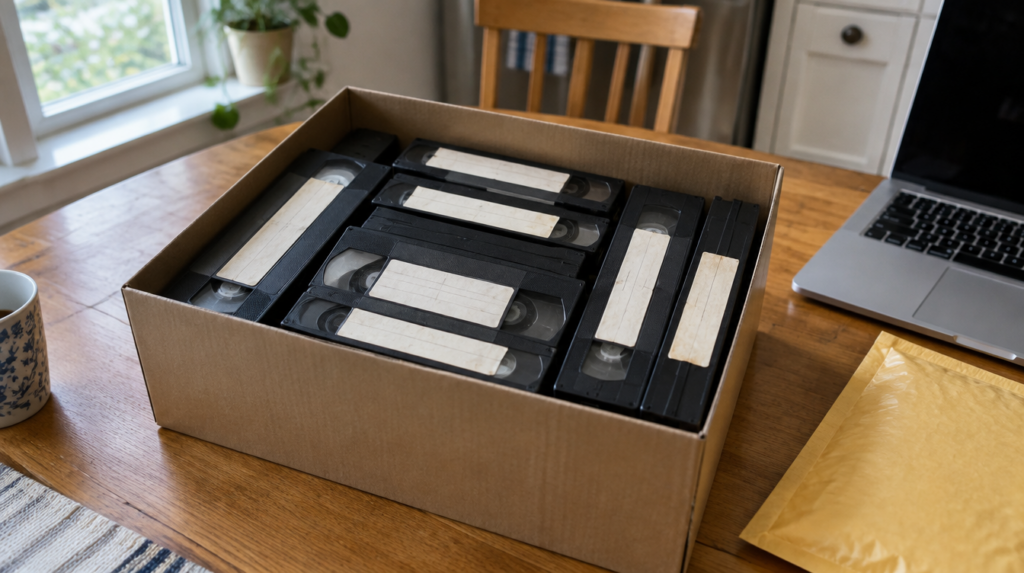
Somewhere in a closet there is probably a shoebox of little tapes labeled in marker: “Beach 1998,” “Emma 1st bday,” “Xmas tape 2.” The camcorder that recorded them is gone, or it is in the same box with a battery that will never charge again. Archivists writing for the Council on Library and Information Resources put the life of videotape at 15 to 20 years at best, and the newest tape in that box is likely older than that.
The short answer to what to do with old camcorder tapes: Figure out which format you have, stop storing them in the garage or attic, and get them digitized this year, either yourself or through a mail-in service. Throwing them out is the only truly bad option, and leaving them in the box is a slow version of the same thing.
Disclosure: Let’s Check It Now may earn a commission or have a business relationship with brands mentioned in this article. This never changes what we recommend.
First, figure out which tape you are holding
“Camcorder tape” covers at least four different formats, and the right plan depends on which one you have. The size of the cassette and the logo on the label usually settle it in a few seconds.
VHS-C is the stubby cousin of a regular VHS tape, roughly the size of a deck of cards and a half. Video8 and Hi8 are smaller, about the size of an audio cassette, and the label will say 8mm or Hi8. MiniDV is the smallest of the group, about the size of a matchbox, and it was the format most families switched to around the turn of the century. Digital8 looks exactly like Hi8 but records digital video onto it, so check the camcorder model if you still have it.
The distinction matters for one big reason. VHS-C, Video8 and Hi8 are analog, so any transfer is a capture of a signal that has already lost some quality. MiniDV and Digital8 are digital, which means a proper transfer copies the actual data off the tape with no further loss. A MiniDV tape handled correctly can look as good on your laptop as it did on the camera screen in 2003.
| Format | How to recognize it | How to play it today | DIY difficulty |
|---|---|---|---|
| VHS-C | Small VHS-style cassette, wide tape | Any working VHS deck with a VHS-C adapter | Easy if you own a VCR |
| Video8 / Hi8 | Audio-cassette size, labeled 8mm or Hi8 | A working 8mm, Hi8 or Digital8 camcorder | Medium, the hard part is finding a player |
| Digital8 | Looks like Hi8, recorded on a Digital8 camera | A working Digital8 camcorder | Medium to hard |
| MiniDV | Matchbox size, DV logo | A MiniDV camcorder plus a FireWire connection | Hard on modern computers |
Get them out of the garage today
Before anyone digitizes anything, the tapes need to stop getting worse. The Library of Congress advice for home collections is simple: room temperature or cooler, relative humidity around 35 to 40 percent, cassettes stored standing on their long edge, and nowhere near an attic, a basement, a radiator or a leaky pipe.
That rules out most of the places these boxes actually live. The CLIR tape handling guide explains why. Above about 74 degrees Fahrenheit the tape pack tightens and the layers can stick together, and above 70 percent humidity the binder that holds the magnetic coating to the plastic starts to break down and mold can grow. A garage in a Phoenix summer or a damp basement in Ohio does both.
A closet shelf in the main part of the house is fine. Put the tapes upright in a box, keep them away from speakers and other strong magnets, and do not rewind them before storing them. The Library of Congress actually recommends the opposite of what most people do: leave the tape where it stopped and rewind only right before you play it.
One more rule from the same guide that people skip. If the tapes have been sitting somewhere cold, let them warm up before you play them. CLIR suggests about an hour for an 8mm cassette to adjust to room temperature and two hours for a VHS-size one.
Doing it yourself, format by format
DIY is realistic for some formats and miserable for others, and the dividing line is whether you still own something that can play the tape.
VHS-C is the easy case. A VHS-C adapter, a plastic shell that holds the small cassette, lets it play in any standard VHS deck. From there the process is the same as for full-size tapes, which we walked through in our guide on how to digitize VHS tapes at home or by mail: a USB capture device, free recording software and a lot of real-time playback.
Hi8 and Video8 are harder because there is no adapter that fits them into a VCR. You need a working 8mm-family camcorder, and nobody has made those in years. Buying a used one online is a gamble on rubber belts and heads that are as old as your tapes, and a camera with a worn head can chew the one copy you have. If you still own the original camcorder and it powers on, plug its analog output into a capture device and try a tape you care about least first.
MiniDV is the one where DIY can beat almost any service on quality, and also the one most likely to stop you cold. The proper way to get video off a MiniDV camera is the FireWire port, which transfers the digital data itself. Most laptops sold in the last decade do not have that port, and the adapter chains people use to get around it are fiddly. If you have an older desktop with FireWire, this is a weekend project. If not, the analog output works but throws away the format’s main advantage.
Whatever the format, budget real time. A 60-minute tape takes 60 minutes to capture, plus labeling and checking the file. A shoebox of 30 tapes is a month of evenings.
What we would skip
Cleaning tapes yourself is the first thing on our skip list. The Library of Congress says deep cleaning should be left to preservation specialists, and a tape with visible mold or a sticky, squealing sound should not go back into a camera at all. Set those aside and tell whoever digitizes them.
We would also skip burning anything to DVD. A disc is a step back from a digital file, players are disappearing too, and you would be repeating this whole exercise in ten years. Ask for MP4 files you can copy, and if you have the option, the raw DV files for MiniDV tapes.
Finally, we would skip buying a used Hi8 camcorder just to transfer four or five tapes. You pay for a machine with no warranty, risk the tapes in it, and then own a camcorder you will never use again. For a small batch, the per-tape price of a service is usually the smaller bet.
Mail-in services make sense for most families
For a box of mixed formats, sending the tapes out is the practical choice for most people. The service already owns working decks for every format, which removes the hardest step, and the per-tape price is lower than many people expect. We compared the DIY and mail-in math for full-size tapes in our VHS digitizing guide, and the conclusion holds even more strongly for camcorder formats, because the player is the expensive part.
One mail-in option worth knowing about is the iMemories mail-in tape conversion kit. According to the company, it handles VHS, camcorder tapes, 8mm film, slides and photos, charges $14.99 per videotape at its current price (it lists a regular price of $29.99), includes insured shipping both ways, does the digitizing at its own facility in Arizona and returns the originals. It suits a family with a pile of mixed Hi8 and MiniDV tapes and no player for either. It is less of a fit if you have three VHS-C tapes and a working VCR, because the adapter route costs less, and it does not replace your own backups once the files come back.
Whichever service you use, count the tapes before they go out, write the count down, and keep a photo of the labels. It turns any later question about a missing tape into a two-minute check.
Once the files come back
The digitizing is only half the job. Copy the files to two places that are not the same device, for example an external drive and a cloud account, and rename them with dates and names while the labels are still in front of you. “Tape 14” means nothing to your grandchildren.
Then decide what to do with the physical tapes. If the transfer looks good and you have two copies of the files, the tapes have done their job. Keep a few with handwritten labels as keepsakes if you like, and store them upright on that closet shelf.
If you do one thing this week, take the box out of the garage, sort the tapes into piles by format using the table above, and count them. That count tells you whether this is a weekend with a VCR or an envelope in the mail.
Sources: Library of Congress, Care, Handling and Storage of Audio Visual Materials, CLIR, Magnetic Tape Storage and Handling, CLIR, Understanding the Preservation Challenge of Digital Television.
Old camcorder tapes: frequently asked questions
Archivists writing for the Council on Library and Information Resources put videotape life at 15 to 20 years at best, and heat and humidity shorten it. Most camcorder tapes from the 1990s and early 2000s are already past that window, so digitize them soon.
No. Hi8 and Video8 tapes need an 8mm-family camcorder or deck, and there is no adapter that fits them into a VHS machine. VHS-C is the only camcorder format that plays in a regular VCR, using a VHS-C adapter.
Only if you have a computer with a FireWire port and a working MiniDV camera. FireWire copies the digital video directly with no loss. Without that port, a mail-in service is usually simpler.
Once you have checked the files and saved them in two separate places, the tapes have done their job. Many families keep a few with handwritten labels as keepsakes and store them upright in a cool closet.
Yes, we may earn a commission when readers use some of the links on this page, including the iMemories link. That never decides what we recommend, and the DIY routes described above cost nothing extra.