How to Watch Old Camcorder Tapes Without a Camcorder
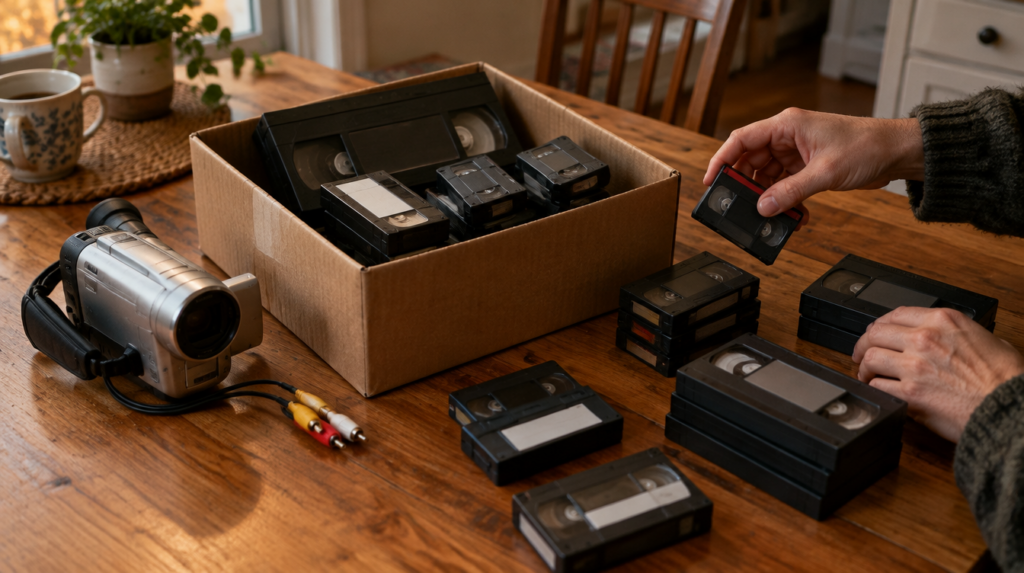
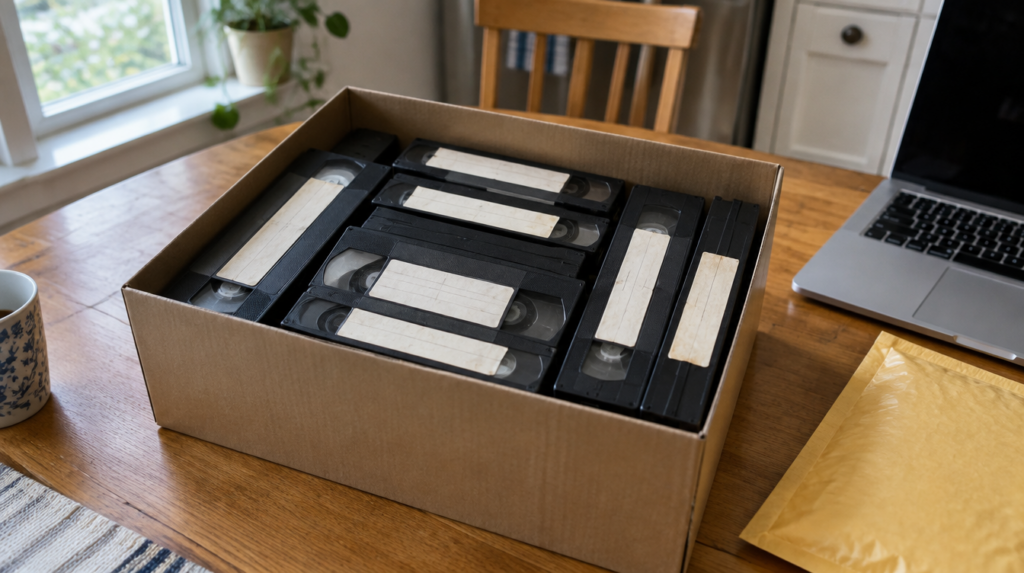
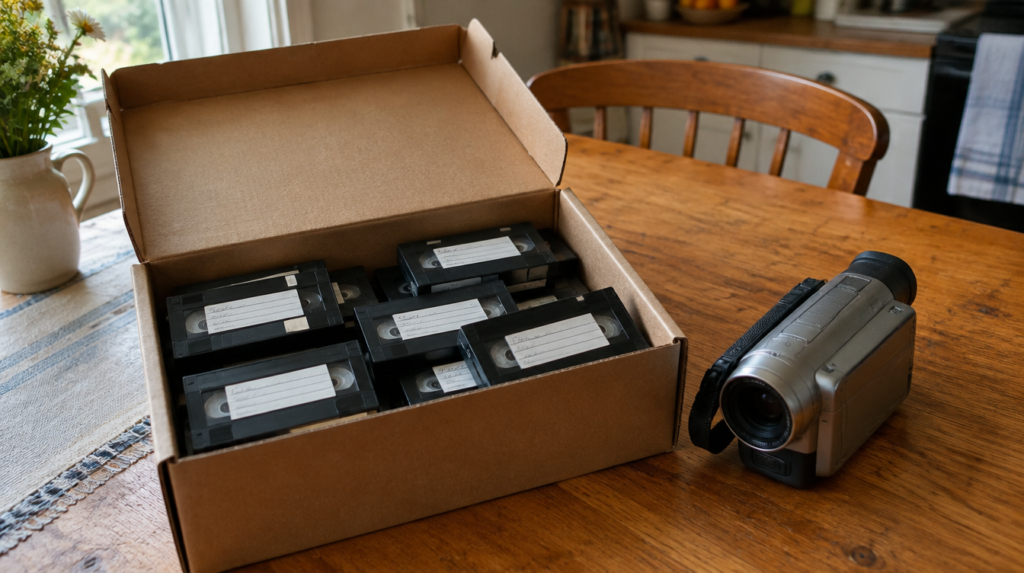
Most shoeboxes of family video hold two or three different tape sizes, and the one machine that played all of them was usually sold at a yard sale around 2008. So the tapes survived and the camera did not, and you are left working out how to watch old camcorder tapes without a camcorder.
The short answer is that you have four routes. A VHS-C tape plays in an ordinary VCR with a cheap adapter. Hi8, Video8 and Digital8 tapes need an 8mm-family machine, and a used Digital8 camcorder is the single best one to hunt for. MiniDV needs a MiniDV camcorder or deck. If none of that sounds appealing, a public library memory lab or a mail-in transfer service gets the footage onto a screen without you owning anything.
Disclosure: Let’s Check It Now may earn a commission or have a business relationship with brands mentioned in this article. This never changes what we recommend.
Start with the cassette, not the TV
The label on the shell tells you almost everything. A VHS-C cassette is roughly the size of a deck of cards, with a little sliding door and the letters VHS-C on the face. An 8mm cassette is smaller, about the size of an audio cassette, and will say Video8, 8mm, Hi8 or Digital8. A MiniDV cassette is the smallest of the lot, around two and a half inches wide, and carries a DV logo.
There is one trap here that most guides skip. Digital8 camcorders recorded onto ordinary Hi8 cassettes, so a tape labeled Hi8 might actually hold a digital recording. An older analog Hi8 camcorder will play it as noise or nothing at all. If your family owned a Sony camcorder bought between about 1999 and the mid-2000s, assume some of your “Hi8” tapes are really Digital8. That single fact is the main reason we point people toward a Digital8 machine instead of a plain Hi8 one.
Before you play anything, hold each tape up to the light and look through the window at the edge of the tape pack. White fuzz or spots usually mean mold. The National Archives notes in its guidance on magnetic media that humidity above 65% encourages mold growth, and a garage or basement box is exactly that kind of place. A moldy tape should not go into any machine you care about. Set it aside for a professional cleaning.
What plays each format
| Format | How to spot it | What plays it | Cheapest route |
|---|---|---|---|
| VHS-C | Deck-of-cards size, says VHS-C | Any VHS VCR with a VHS-C adapter | Adapter plus a VCR you or a relative already own |
| Video8 / Hi8 | Audio-cassette size, says 8mm or Hi8 | Hi8 or Digital8 camcorder, or an 8mm deck | Library memory lab, or a used Digital8 camcorder |
| Digital8 | Hi8-style cassette, often labeled Hi8 | Digital8 camcorder or deck only | Used Digital8 camcorder |
| MiniDV | Smallest cassette, DV logo | MiniDV camcorder or deck | Library memory lab, or a used MiniDV camcorder |
VHS-C is the easy one
VHS-C uses the same half-inch tape as a full-size VHS cassette, just in a smaller shell. A motorized adapter is a VHS-sized cassette with a slot for the small one, and it usually runs on a single AA battery. Snap the tape in, put the adapter in any working VCR, and you are watching. If nobody in your family still has a VCR, check thrift stores and estate sales first. Funai, the last major VCR maker, stopped production in 2016, so “new” units online are old stock priced like collectibles.
The 8mm family needs a Digital8 machine
No adapter exists that lets an 8mm tape play in a VCR. The tape is a different width and runs on a different mechanism, so the only answer is an 8mm-family player. Most Digital8 camcorders will play Video8 and Hi8 as well as Digital8, which makes one machine cover the whole family. A few later models dropped analog playback, so read the listing for the words “plays Hi8” or ask the seller before you pay.
When we checked used listings this fall, working Sony Digital8 camcorders ranged from about $100 to just over $200 on eBay, with tested units at the top of that range. Pay the extra for a listing that says the seller played a tape on it. A camcorder that sat in a closet for fifteen years can have dried-out pinch rollers that chew tape, and a chewed tape is the one outcome you cannot reverse.
MiniDV is digital, which changes the plan
MiniDV recordings are digital files on tape, so a MiniDV camcorder can send them to a computer over FireWire with no quality loss. The catch is that almost no new computer has a FireWire port anymore. For simply watching on a TV, the camcorder’s AV output is fine. For copying, you will need either an older computer with FireWire or a library station that already has one set up.
Hooking a camcorder to a modern TV
Once you have a working player, the camcorder’s AV cable ends in yellow, red and white plugs. Many TVs sold in the last few years no longer have those inputs. A small composite-to-HDMI converter box fixes that, and it is the one accessory most people forget until the moment everything else is ready.
Run the camcorder on its power adapter, not its battery. Old batteries rarely hold a charge, and a camcorder that dies mid-playback can leave the tape partly wrapped around the drum.
Borrow before you buy
A growing number of public libraries run memory labs, free digitizing stations where you book time and work through tapes yourself. Equipment varies a lot from branch to branch. The DC Public Library Memory Lab, for example, handles VHS, VHS-C, DV and MiniDV in three-hour sessions, but lists Video8, Hi8 and Digital8 as currently unavailable. Other systems do support 8mm. The lesson is to call ahead with your exact tape format before you drive over.
Keep the clock in mind too. Tape transfers happen in real time, so a two-hour tape takes two hours at the station. A box of twenty tapes is a project of several weekends, which is fine for some families and a dealbreaker for others.
Make the first playback count
Here is the position we take: if a tape is worth watching, it is worth recording while you watch it. Every pass through an old machine wears the tape a little, and the National Archives recommends reformatting video tape that is more than five years old. Your camcorder tapes are likely more than twenty. NARA’s condition assessment guidance puts the life of magnetic tape at roughly 10 to 50 years even under archival storage, and a closet shelf is not archival storage.
So whichever route you choose, put a capture device or a library computer at the other end of the cable on that first playback. Watching the tape and saving it become one job instead of two. Our guide on what to do with old camcorder tapes before they fail covers storage and triage in more depth, and how to digitize VHS tapes walks through the DIY capture setup step by step.
When to skip the hardware hunt entirely
Buying a used camcorder makes sense if you have one format and a dozen or more tapes. It makes much less sense if you have three tapes in three formats, or if any of them show mold. In that case a mail-in service is the cheaper and safer path, because you are paying for working machines and people who handle damaged tape for a living.
One service that fits this case is a prepaid mail-in transfer kit from iMemories. The company lists videotapes at $14.99 each on its current offer (regular price $29.99), says shipping is insured both ways, and says your originals come back. It suits a mixed box of VHS-C, Hi8 and MiniDV where buying three players would cost more than the transfer. Skip it if you have only a couple of tapes and a library lab nearby, since that route is free. We compared mail-in pricing against a big-box option in our Costco vs mail-in breakdown.
Storing the tapes once you are done
Even after a transfer, keep the originals. NARA recommends keeping magnetic tape cool, at 50 to 65°F and 30 to 40% relative humidity, and advises against touching the tape surface. In practice that means an interior closet, upright in their cases, away from exterior walls and never in an attic. Play each tape to the end before you put it away so it sits wound smoothly.
Your next step is simple. Tonight, sort the box into piles by the label on each cassette and count them. That count tells you whether a library visit, a single used Digital8 camcorder or a mail-in kit is the right answer, and it takes ten minutes.
Old camcorder tapes: frequently asked questions
No. Hi8, Video8 and Digital8 tapes are a different width from VHS tape, so no adapter exists. You need a Hi8 or Digital8 camcorder or deck.
No. Digital8 recordings are digital even though they sit on Hi8 cassettes, and an analog Hi8 camcorder cannot read them. A Digital8 camcorder plays both, though a few later models dropped analog playback, so check the listing.
Use the camcorder’s yellow, red and white AV cable. If your TV has no composite input, add a small composite-to-HDMI converter box between the cable and the TV.
No. Mold can damage the tape further and contaminate the player’s heads. Set moldy tapes aside and have a professional transfer service clean them before playback.
Yes, through a MiniDV camcorder connected over FireWire, which copies the footage with no quality loss. Most new computers lack a FireWire port, so an older computer or a library memory lab is usually the easiest way.