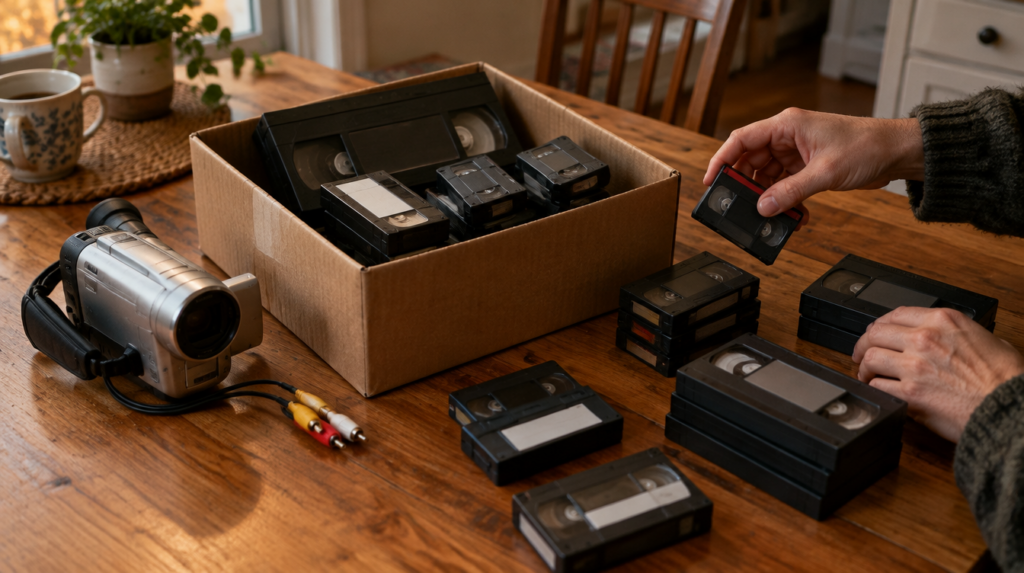
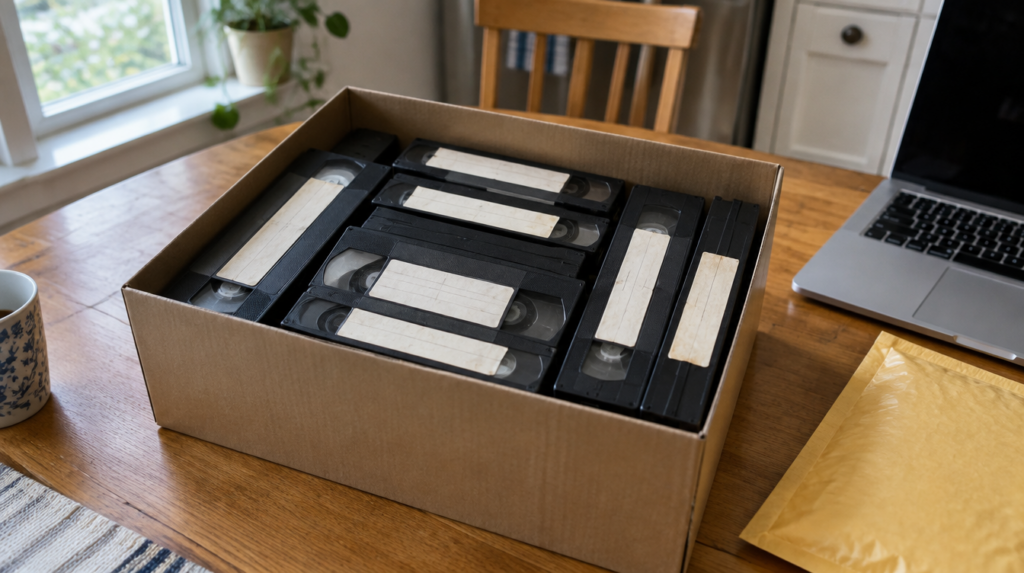
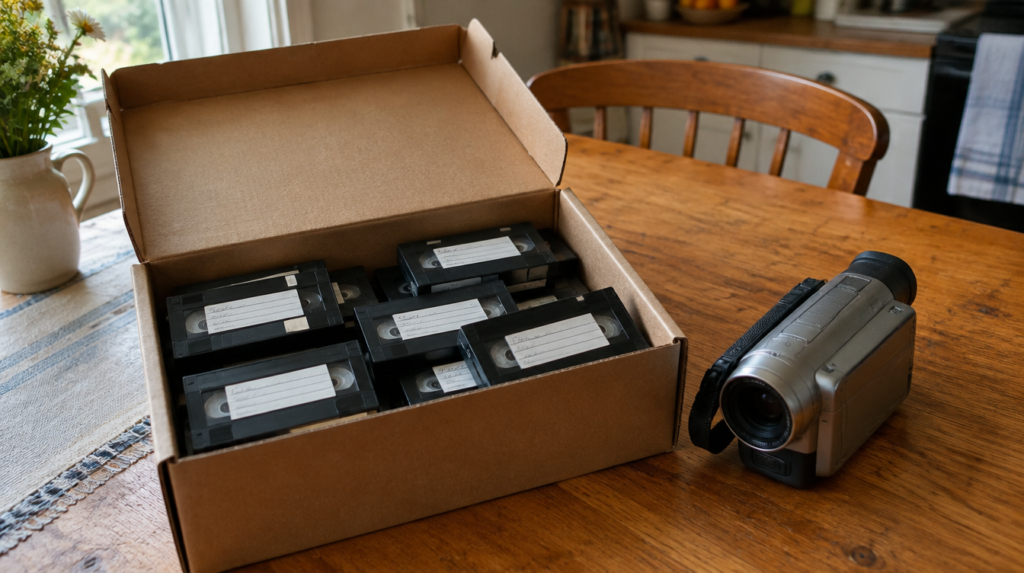
How to digitize VHS tapes: DIY or mail them out
Somewhere in a closet there is a shoebox with tapes labeled in ballpoint: Beach 94, Katie recital, Dad 60th. Each one may hold up to six hours of footage if it was recorded in the slow EP mode, and every minute of it has to play back in real time to be copied. That single fact shapes the whole decision.
Here is the short answer to how to digitize VHS tapes. You either connect a working VCR to a computer through a USB capture device and record each tape as it plays, or you mail the tapes to a transfer service that does the same thing on better equipment and sends back digital files. DIY is cheap in dollars and expensive in hours. Mail-in is the reverse. Which one wins depends mostly on how many tapes you have and whether you still own a VCR that works.
Disclosure: Let’s Check It Now may earn a commission or have a business relationship with brands mentioned in this article. This never changes what we recommend.
The tapes are on a clock, and so are the machines
VHS records pictures as magnetic signals, and those signals fade. The Library of Congress says magnetic media slowly breaks down and recommends copying personal video into digital files you can manage and back up.
Heat and humidity speed things up. In a 2023 study of tape aging, Library of Congress researchers found that the damage they could measure was consistent with hydrolysis, the chemical breakdown of the binder that holds the magnetic layer, under hot and humid conditions. That is the attic and the garage, the two places most family tapes end up.
The part people overlook is the player. The same researchers wrote that ongoing access to playback equipment and the know-how to use it is as much of a preservation concern as the tape itself. Nobody makes new VCRs anymore. A tape in decent shape is worth little if the last working deck in the family dies first.
The DIY route, step by step
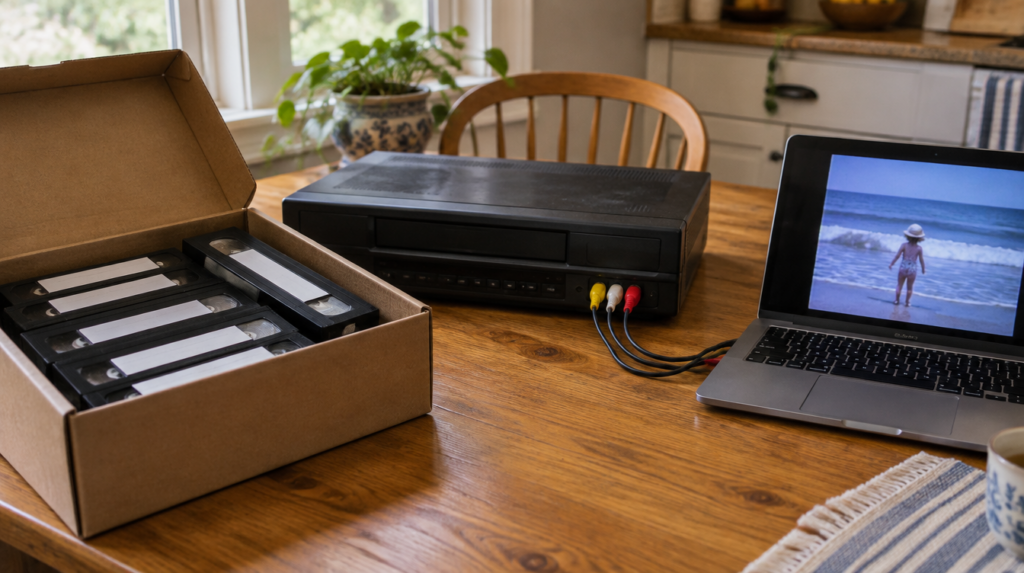
If you have a handful of tapes and a VCR that still plays cleanly, doing it yourself is a perfectly good choice. The gear is modest. You need the VCR, a USB capture device that takes the red, white and yellow composite cables (S-Video if your deck has it), a computer with plenty of free disk space, and capture software. Budget USB capture sticks sell for roughly $15 to $30, and the free program OBS Studio records from them on Windows and Mac.
- Clean the VCR heads with a head-cleaning cassette before the first tape, and again if the picture turns snowy.
- Fast-forward and rewind each tape once before capture so the tape packs evenly. Skip this on any tape that squeals or looks damaged.
- Connect the VCR outputs to the capture device and the device to a USB port directly on the computer, not a hub.
- Set the capture to 720×480 at about 30 frames per second. VHS holds far less detail than that, so recording at 1080p only makes bigger files.
- Press record in the software, then play on the VCR. Stay nearby for the first few minutes to check sound and picture, then let it run.
- Name each file the moment it finishes, with the date and what is on it, and write the same name on the tape label.
Two things we would tell anyone starting out. First, a cheap capture stick with bad drivers wastes more time than it saves, so buy one with recent reviews that mention your operating system. Second, if a tape shows a picture that wobbles or tears at the top, the problem is usually timing errors in the old signal. Pro shops fix that with a time base corrector, and some higher-end S-VHS decks have one built in. A budget setup cannot.
What DIY really costs is your evenings
The math is simple and a little brutal. A standard T-120 cassette holds two hours at normal speed and six hours at EP. Capture runs in real time, so 20 tapes of mixed lengths can easily mean 60 to 80 hours of a VCR running, plus time to check files, trim blank stretches and label everything.
The realistic plan is to run it in the background over several weeks, the way you would let a slow cooker run. It is a good companion for another project in the same room, and it pairs well with something hands-on. Our case for why woodworking is the calm, useful hobby people are rediscovering fits here. The garage workbench and the old VCR tend to live in the same place anyway.
Storage adds up too. An hour of standard-definition MP4 at a reasonable quality setting takes roughly 2 to 3 GB. A 30-tape collection can fill a few hundred gigabytes, and you will want that space twice over for backups.
When a mail-in service is the better deal
The service route makes sense in three situations. You no longer have a VCR you trust. You have more tapes than evenings. Or the footage includes formats you cannot play at all, such as camcorder tapes, 8mm film or slides.
Prices vary a lot by company, so read the per-tape rate, the shipping terms and what format the files come back in before you send anything. As one example, iMemories’ mail-in tape kit lists videotapes at $14.99 each against a regular price of $29.99. The company says the kit is prepaid with insured shipping both ways, the transfer happens at its facility in Arizona, your originals come back, and there is a 30-day satisfaction guarantee. At that rate a box of 30 tapes runs about $450, which is real money, and also about 70 hours you get back.
Who should skip it: anyone with three or four tapes and a working deck, and anyone uneasy about shipping one-of-a-kind footage. Any mail-in service involves a box leaving your house, so if a tape truly cannot be replaced, consider capturing it yourself first as a rough safety copy and then sending it.
DIY vs mail-in at a glance
| What matters | DIY with a VCR | Mail-in service | Our take |
|---|---|---|---|
| Upfront cost | About $15 to $30 for a capture stick, plus a VCR if you need one | A per-tape fee that varies by company, plus any extra formats | DIY wins below about 10 tapes |
| Your time | Real time per tape, 2 to 6 hours each | An hour to pack and label | Mail-in wins above about 20 tapes |
| Picture quality | Limited by your VCR and capture stick | Pro decks, usually with signal correction | Mail-in for damaged or wobbly tapes |
| Other formats | Need the matching camcorder or projector | Most services take camcorder tapes, film and slides | Mail-in for mixed boxes |
| Risk | Tapes never leave home | Shipping risk, reduced by insured kits | DIY for the one tape you cannot lose |
What we would skip
Burning everything to DVD as the final step. DVDs were the standard answer 15 years ago, but many laptops no longer have a drive, and a disc is one more aging medium. Get files first. Make a DVD for Grandma if she wants one.
All-in-one recorders that save straight to an SD card with a tiny preview screen. They are convenient, but you lose control over settings and they tend to compress hard. If you are going to spend hours on this, spend them once at decent quality.
Paid enhancement add-ons promising to turn VHS into HD. Upscaling cannot invent detail the tape never recorded. A clean, well-labeled standard-definition file is the asset. You can always run it through better software later.
Playing a moldy tape. White fuzz or spots on the tape edge mean mold, and playing it can spread to the VCR heads and damage the tape further. Set those aside for a professional who cleans tapes before transfer.
Sort the box before anyone presses play
Open each cassette window and look. A clean brown or black tape wound evenly is a good candidate for DIY. A tape with crinkles, a snapped leader, a squeal on playback or a vinegar smell belongs in the professional pile.
Label as you go. A lot of family tapes were recorded over, with a birthday party starting halfway through an old movie. Note the counter time where the good part begins so you do not capture three hours of a 1980s sitcom.
After the transfer: the step most families skip
Digitizing is half the job. The Library of Congress guidance for personal video is specific. Make at least two copies, on different media, kept in different places. Check that you can open your files at least once a year. Make fresh copies every five years or so, before a drive gets old enough to fail.
In practice that means one copy on an external hard drive at home and one in cloud storage or on a drive at a relative’s house. Add a short text file listing what each video contains and who is in it. Twenty years from now, the person opening Katie recital will be glad you did.
If you want to share some of it, a private or unlisted video link works well for scattered relatives. Our look at how ordinary creators are building on YouTube covers the public side, but for family footage, private sharing is usually the right call.
Your next step is small. Tonight, count the tapes and split them into two piles: ones that look clean and ones that look damaged or are in formats you cannot play. The size of each pile will tell you which route makes sense.
Digitizing VHS tapes: frequently asked questions
As long as the tape plays. Capture happens in real time, so a tape with two hours of footage takes two hours, and a T-120 recorded at EP speed can take six. Add a few minutes per tape for labeling and checking the file.
A working VCR, a USB capture device with composite or S-Video inputs, a computer with free disk space and capture software such as the free OBS Studio. A head-cleaning cassette for the VCR helps too.
Not at home. The signal has to be played back by a VCR. If you no longer have one, a mail-in transfer service or a local shop with working decks is the practical option.
MP4 with H.264 video is the most widely compatible choice for viewing and sharing. Capture at 720×480, since VHS does not hold more detail than that, and keep the highest-quality version you make as your master copy.
The Library of Congress recommends at least two copies on different media in different locations, checking that files open at least once a year and making new copies about every five years. An external drive at home plus cloud storage covers most families.